Moving from spreadsheets to an ATS: a practical pilot plan
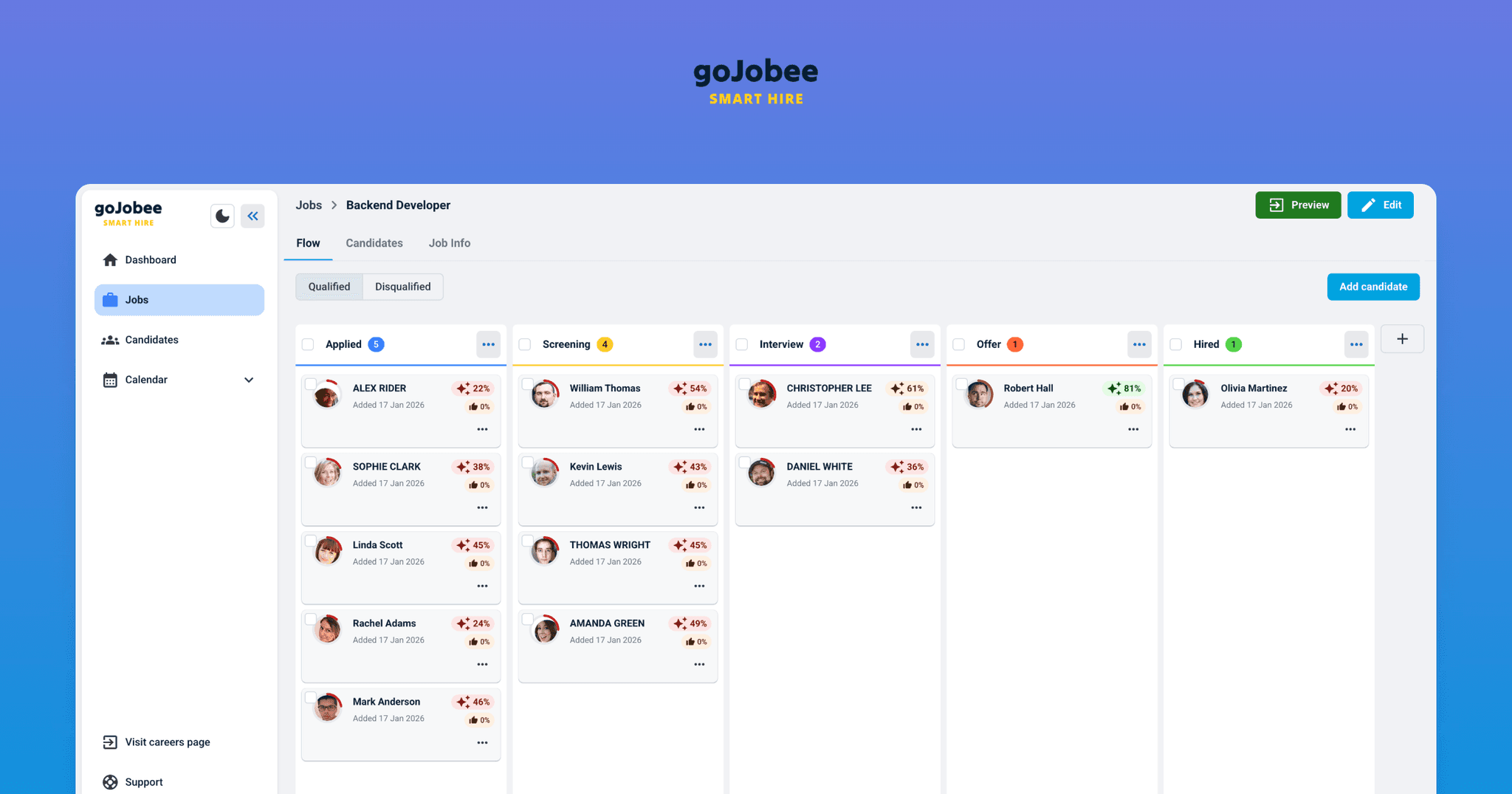
A spreadsheet can be enough when one person manages a single active role. Migration becomes worth considering when statuses, notes, and ownership are spread across files or inboxes.
Do not move everything at once. Start with one active role and check whether the team can manage it in one agreed place.
1. Choose the pilot scope
Pick a role with active candidates that is not the company’s most complex hiring process. Name the person responsible for the pilot and the teammates who will update stages or notes.
Set a review date. The goal is not to prove that a new system immediately improves results. It is to check whether the records are complete and the team knows where to record the next step.
2. Inventory the spreadsheet
List the information needed to continue this hiring process:
- candidate details needed for contact;
- role, source, and current stage;
- owner and the next agreed action;
- relevant notes and dates;
- fields that are blank, duplicated, or out of date.
Do not move the entire archive just because it is in the same workbook. Confirm the scope with whoever owns your company’s access and retention rules.
3. Agree on stage mapping
Compare the spreadsheet’s status column with the stages your team wants to use in the ATS. Decide how to handle ambiguous values such as “review,” “contact,” or “later.”
For every record, make sure the team can tell:
- which role it belongs to;
- the candidate’s current stage;
- who owns the next action;
- whether anything needs to be checked before contacting the person.
4. Clean the data before moving it
Merge duplicates, fix obvious field errors, and leave records outside the pilot scope out of the transfer. Keep the source copy according to company policy; do not update it in parallel with the new process.
Before importing, check which transfer method is available on your ATS plan and which fields it requires. Test a small sample instead of assuming every spreadsheet column will move automatically.
5. Validate the migrated records
Compare the number of active candidates in the spreadsheet and ATS. Open a few records from different stages and verify the role, contact details, source, notes, and next-action owner.
If important information is missing or mapped to the wrong field, fix the mapping before the team relies on the system. During the pilot, use one agreed place to update statuses; two parallel sources will quickly drift apart.
6. Decide what to do next
At the agreed review point, check whether the team updates stages and records decisions consistently. Collect questions that came up during the pilot and adjust only the parts that caused real friction.
Use this short checklist:
- ☐ One role and a pilot owner are selected.
- ☐ The data scope is agreed.
- ☐ Everyone understands the stages.
- ☐ A sample of records has been checked after transfer.
- ☐ The team knows where to record a status, note, and next step.
- ☐ A pilot review date is set.
Migration does not need to become a large project. Start by organizing one active role. For a feature comparison, see ATS vs spreadsheets. To test one role, you can start with GoJobee Free ATS.
Next step
Turn this article into a cleaner, faster hiring workflow
If you want to put these ideas into practice inside an ATS, start with a free account, review pricing, and explore the key GoJobee features.