Connect your calendar to recruitment events
In supported configurations, GoJobee syncs events with Google Calendar or Outlook. Available behavior depends on the connected account and integration settings.
In supported configurations, GoJobee syncs recruitment events with Google Calendar or Outlook. You can add a Google Meet or Microsoft Teams link to a meeting.
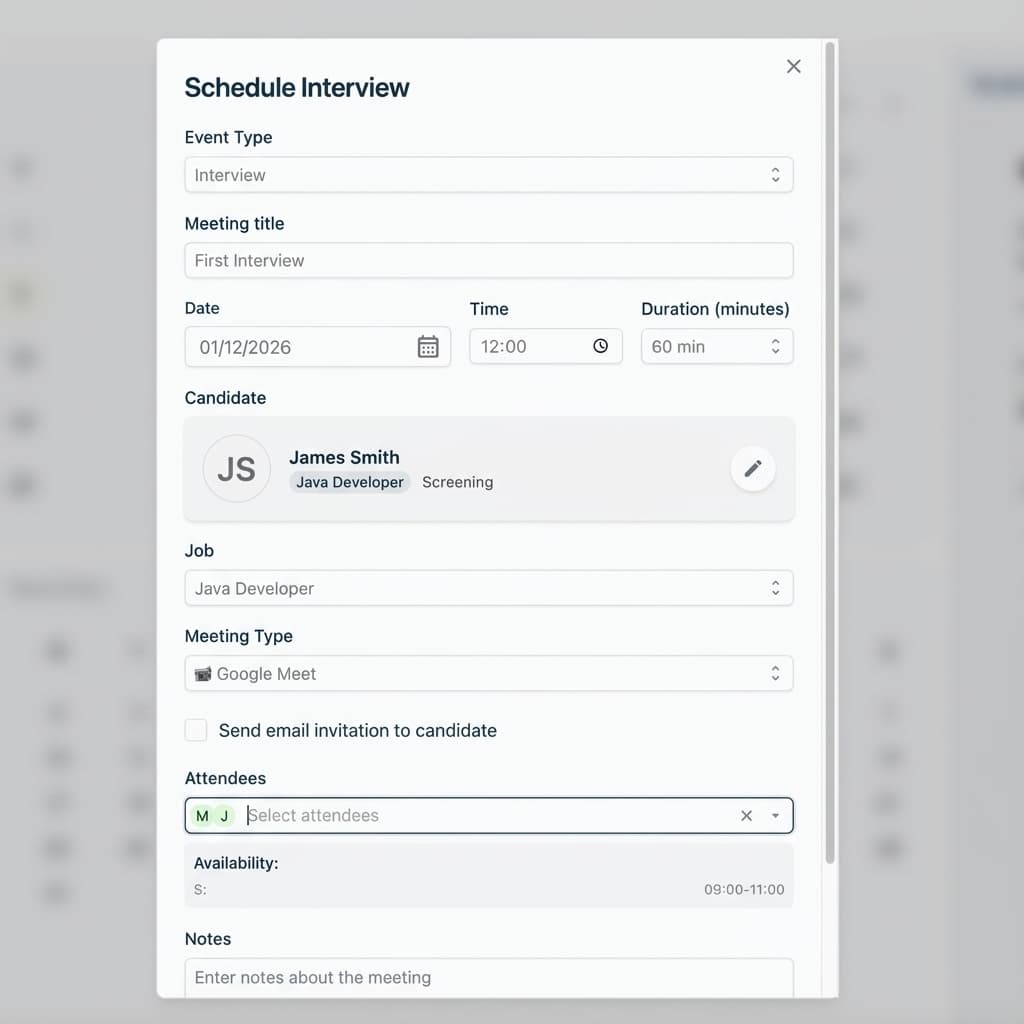
In supported configurations, GoJobee syncs events with Google Calendar or Outlook. Available behavior depends on the connected account and integration settings.
You can add a Google Meet or Microsoft Teams link to a meeting when that option is available in your organization’s setup.
Calendar sync does not guarantee automatic availability checks or conflict detection. Agree who confirms the time and communicates changes.
In supported configurations, GoJobee synchronizes recruitment events with Google Calendar or Outlook. The available behavior depends on the connected account and integration settings.
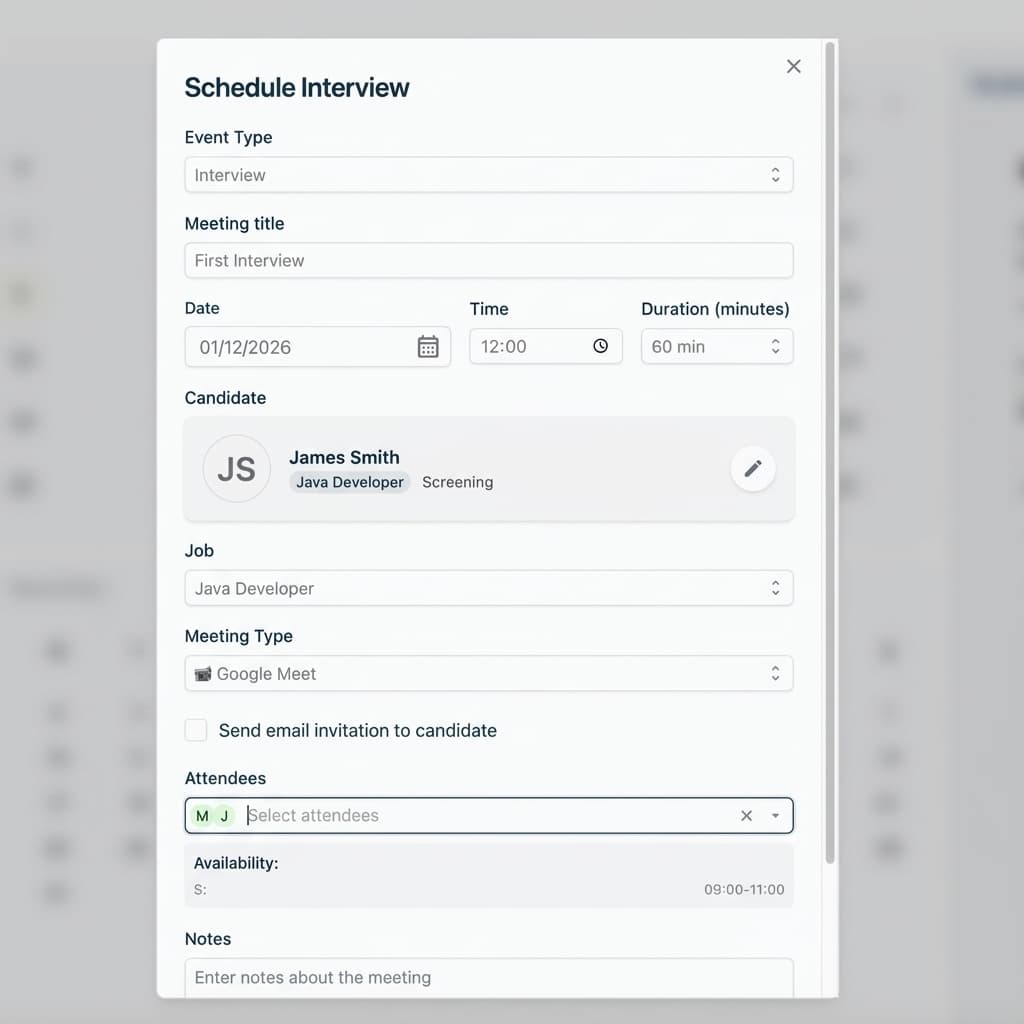
For supported setups, add a Google Meet or Microsoft Teams link to an interview meeting. Confirm the available option in your organization’s integration settings.
Calendar sync connects recruitment events with a supported calendar. It does not guarantee automatic availability checks or conflict prevention, so agree how your team will confirm times and communicate changes.
Confirm which calendar and meeting integrations are available in your setup, then agree how your team will confirm interview times.
Event sync does not confirm participant availability or detect conflicts. Before rollout, agree who checks the time, adds participants, and communicates any changes.
GoJobee supports event sync with Google Calendar and Outlook, plus Google Meet and Microsoft Teams links, depending on your configuration.
In supported configurations, GoJobee synchronizes recruitment events with Google Calendar or Outlook. The exact behavior depends on the connected account and integration settings.
Yes. Supported meeting options include Google Meet and Microsoft Teams links. Check your setup to confirm which options are available to your organization.
Calendar synchronization does not by itself guarantee conflict detection or prevention. Confirm availability and meeting details using your connected calendar and your team’s scheduling process.
Review Google Calendar, Outlook, Google Meet, and Microsoft Teams support in your GoJobee setup.