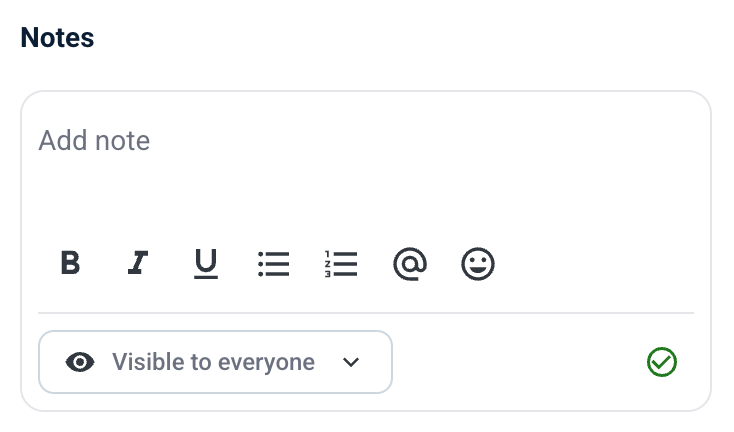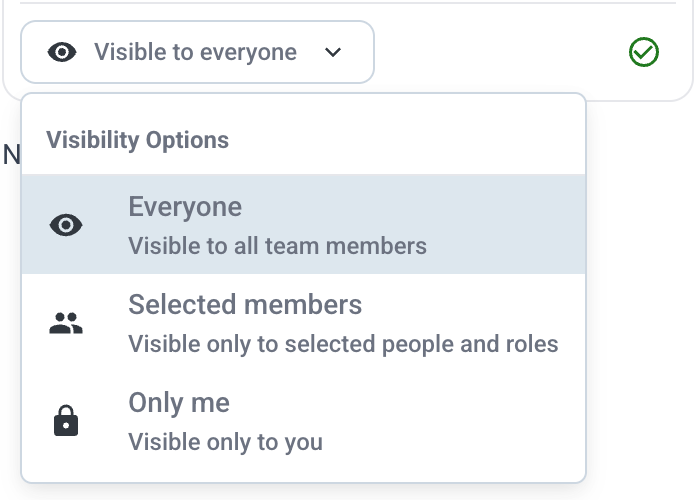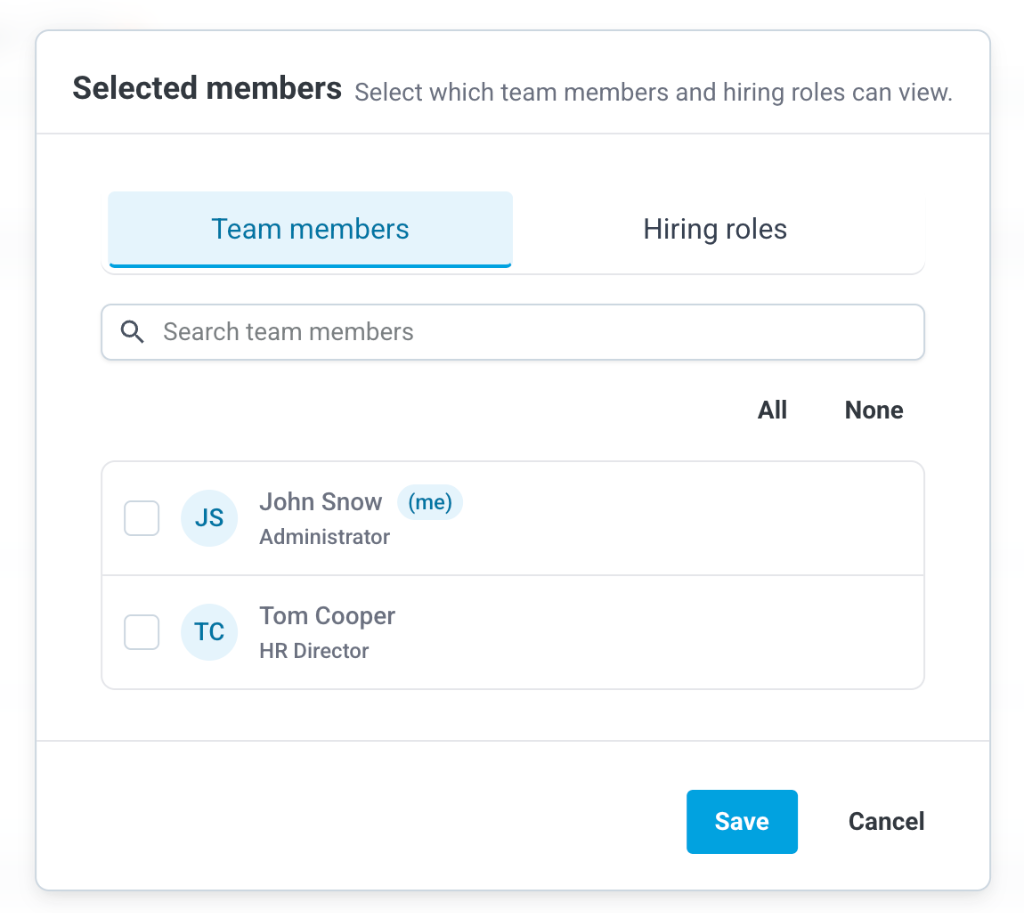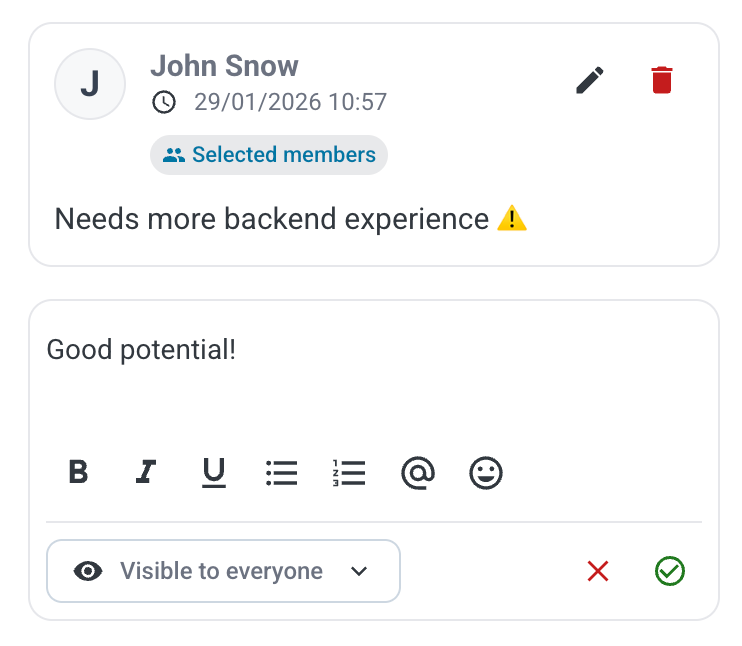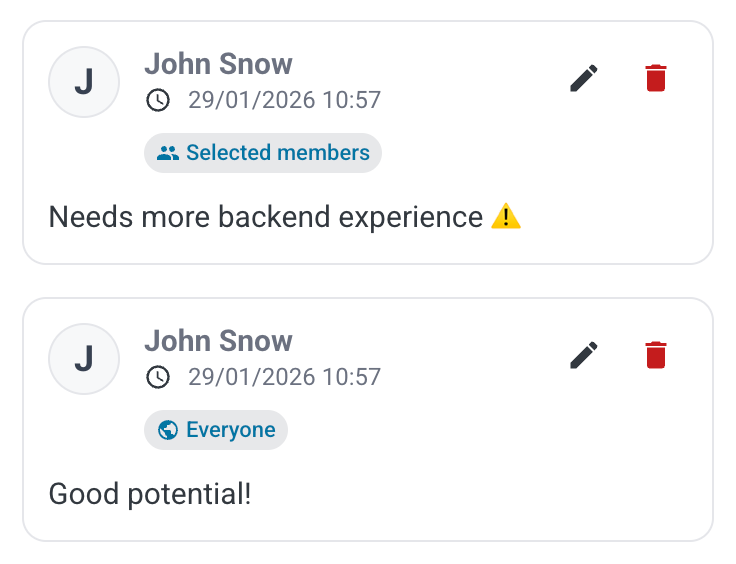
To add a note, navigate to a Candidate's profile and locate the Notes section.
1. Rich Text Editor: You can format your note using Bold, *Italic*, or _Underline_. You can also create bulleted or numbered lists.
2. Mentions: Use the `@` button or type `@` to mention a team member. They will be notified about the note.
3. Emojis: Use the `🙂` button to insert emojis.